
Map Block Leaflet is a WordPress map plugin developed by Jesús Olazagoitia (Goiblas), a developer from the Logroño WordPress community. It lets you embed maps made with Leaflet on your website.
This plugin is as simple as it promises and, at the same time, extremely powerful. It gives us two blocks: one for a map with a single marker (Map Leaflet), and another for a map with multiple markers (Map Leaflet multimarker).
The Map Leaflet block
The plugin comes with a search box where we can enter the city, place or address we want to show on the map, and it lets us resize the map very easily with a handle, as well as move the marker wherever we like.
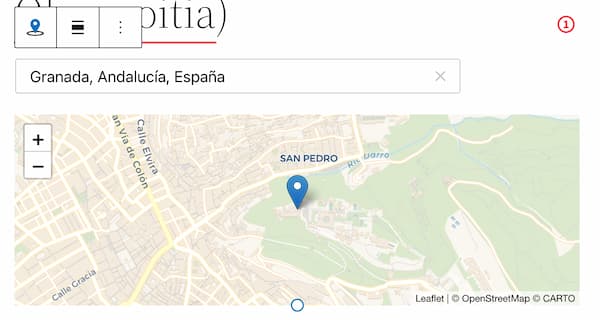
It may slip up a little with addresses, but I’m afraid that’s not the developer’s fault, but that of the search database where the addresses are stored.
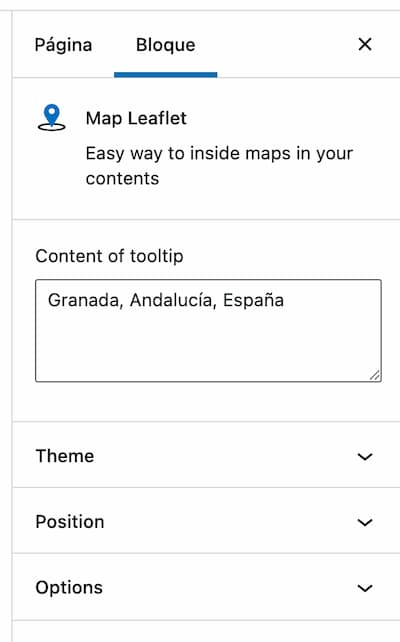
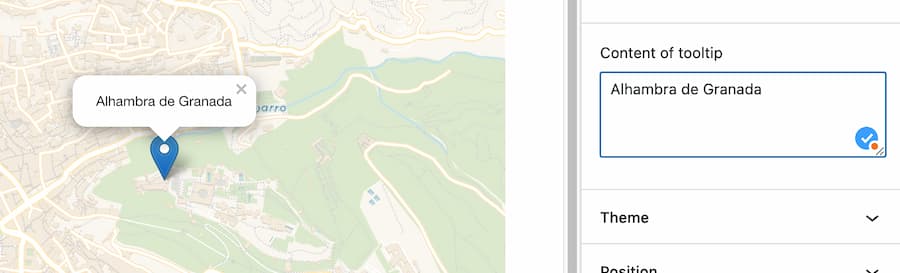
The block’s settings are very simple. In them, we can set the text we want the marker popup to show.
It’s also very easy, and the result is shown in real time on the block we’re laying out.
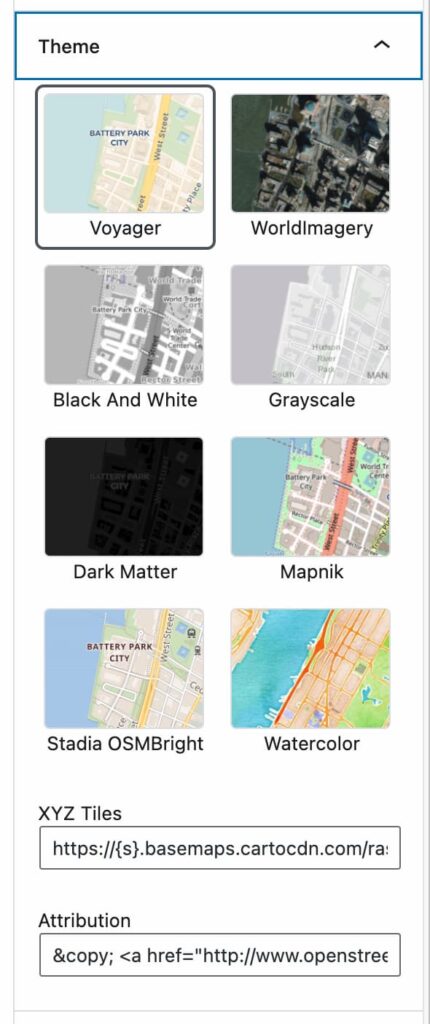
The next option we can configure is the base map theme, where we can currently choose from eight designs, although one didn’t work properly because it has been discontinued.
Since there’s also an option to edit the base map URL, I tried adding some of the base maps available on GitHub and elsewhere, but I couldn’t change it.
I don’t know whether it didn’t work for me because I was testing locally (I don’t think so), or whether it’s simply a feature that will come in the future but doesn’t work yet.
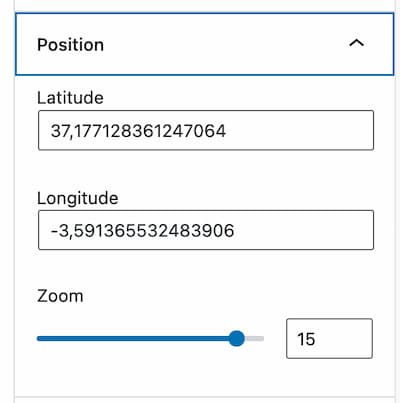
The other two options available are the position fields (with geographic coordinates) and the zoom, although these settings can also be changed dynamically on the block, directly with the mouse.
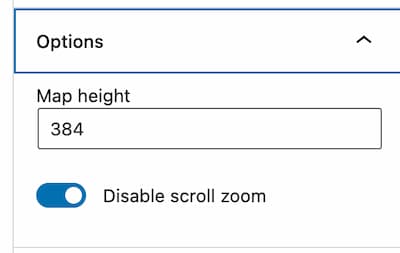
The last option available is the map height, which can also be changed with the mouse. But there’s a very interesting option here: disabling map zoom with the mouse scroll wheel. How many times have we scrolled down a website with a map and got stuck, zooming in and out of the map over and over because we were busy with the mouse wheel?
The Leaflet Multimarker block
This block is perhaps simpler than the previous one, but very powerful. When we add it, a map appears with a default location, and there’s no way to change it.
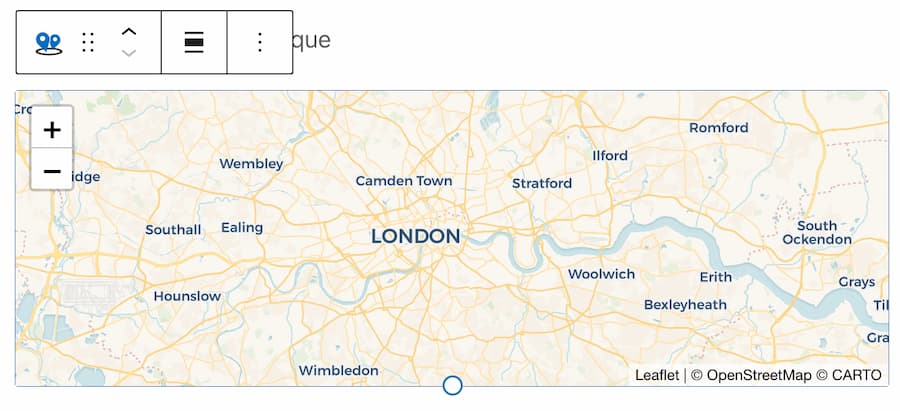
But there’s a trick: when you add a marker from the block settings, a search box asks for the address, city, etc. you want to add. We can also add the popup content, which we can format with HTML tags.
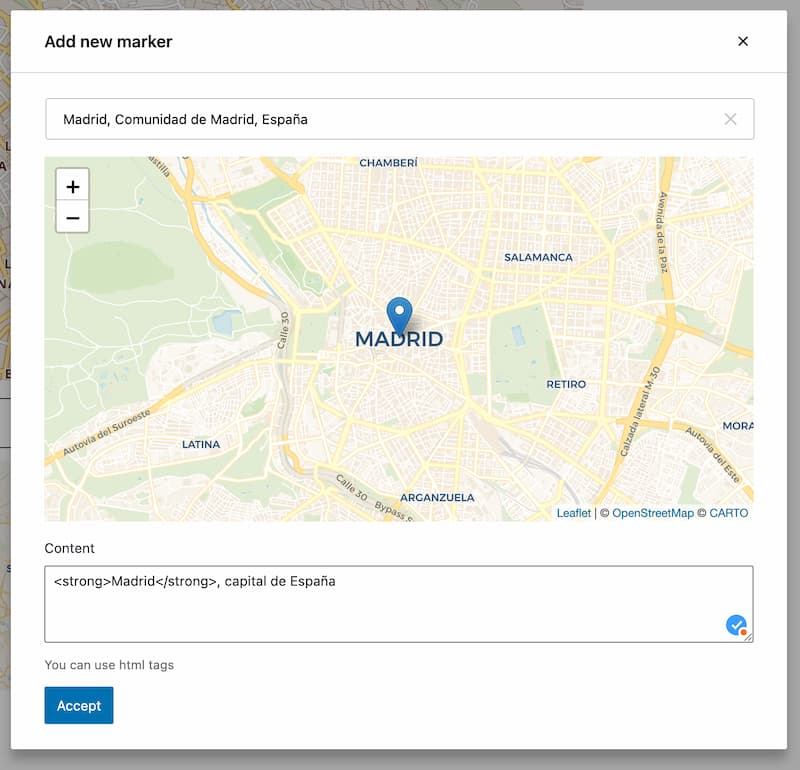
We can add as many markers as we want, and as we add them, the map automatically reframes itself to show them all. Magic.
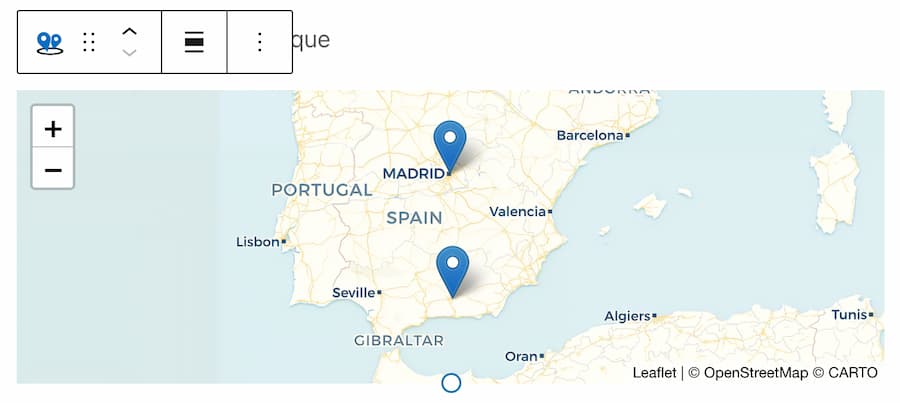
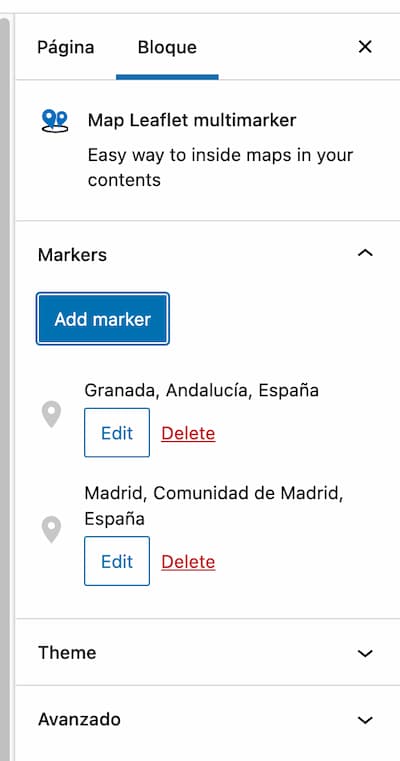
The block settings menu is very simple. As I said, it has the section for adding markers and for editing or deleting them.
It also has the theme option we already saw in the single-marker block, which lets us choose the base map and works exactly the same in both blocks.
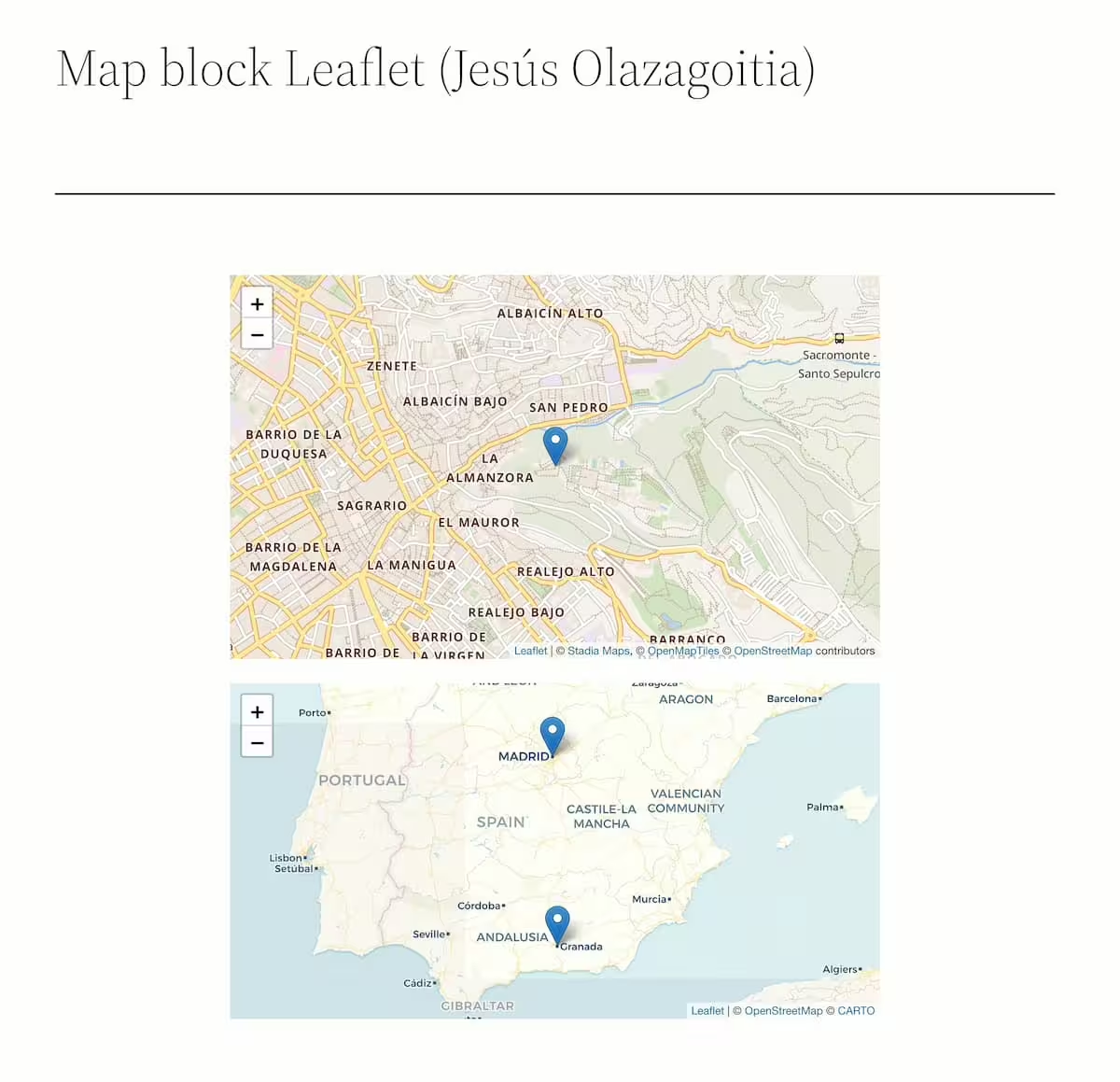
Once we’ve finished adding our blocks, we can see the final result, which is very similar to what we were already seeing while editing. That’s much appreciated, since we don’t need to imagine what will be shown while we’re looking at something else.
What happens when you deactivate the plugin?
When you deactivate the plugin, the blocks simply disappear; nothing is left behind, no code or anything. So one good thing about it is that there’s no lock-in effect.
This is good, since many plugins leave behind shortcodes or messed-up content.
What’s missing from this plugin?
Plenty is missing, but if we added everything, it would stop making sense and become something else. Also, keep in mind that its developer does this entirely voluntarily, for the community, and nobody pays him for the time he puts into it.
Still, if I could ask for something, it would be great to be able to customize the markers, at least their color, which could be very useful for matching them to the brand color of the website where we’re embedding the map.
Another thing that would be great is being able to add our own base maps using the two fields it already has for that. Although I suspect it may not have worked for me for some strange reason.
And not much else. I think it’s a perfect plugin for adding a location map to a website, both for a business with a single location and for a business with multiple branches.
Simple, easy and for the whole family…
Where do I download Map Block Leaflet?
This handy plugin is available in the WordPress directory itself, at the following address:

Leave a Reply